



GTA 6 Beginner’s Guide: Tips for Exploring Leonida

Eneba Hub contains affiliate links, which means we may earn a small commission if you make a purchase through them—at no extra cost to you. Learn more


Welcome to Leonida! If you’re looking for a GTA 6 beginner’s guide, I’ve got a few tips that can make your first hours in the game a lot easier. There’s plenty to figure out, especially if you’ve spent years playing GTA V and expect everything to work the same way.
At this point, I’ve been playing for several days, and I’m still in Chapter 1. Why? Because I keep finding excuses to drive around Leonida and explore instead of doing the missions. I’ve already learned a few things the hard way, though, and I want to share them with you.
So, before you get too comfortable behind the wheel, here are some useful tips to help you get started.
Ready to start your own adventure? Check out GTA 6 on Eneba and get ready to explore Leonida.
Jump to:
GTA 6 Beginner Tips: What to Do First
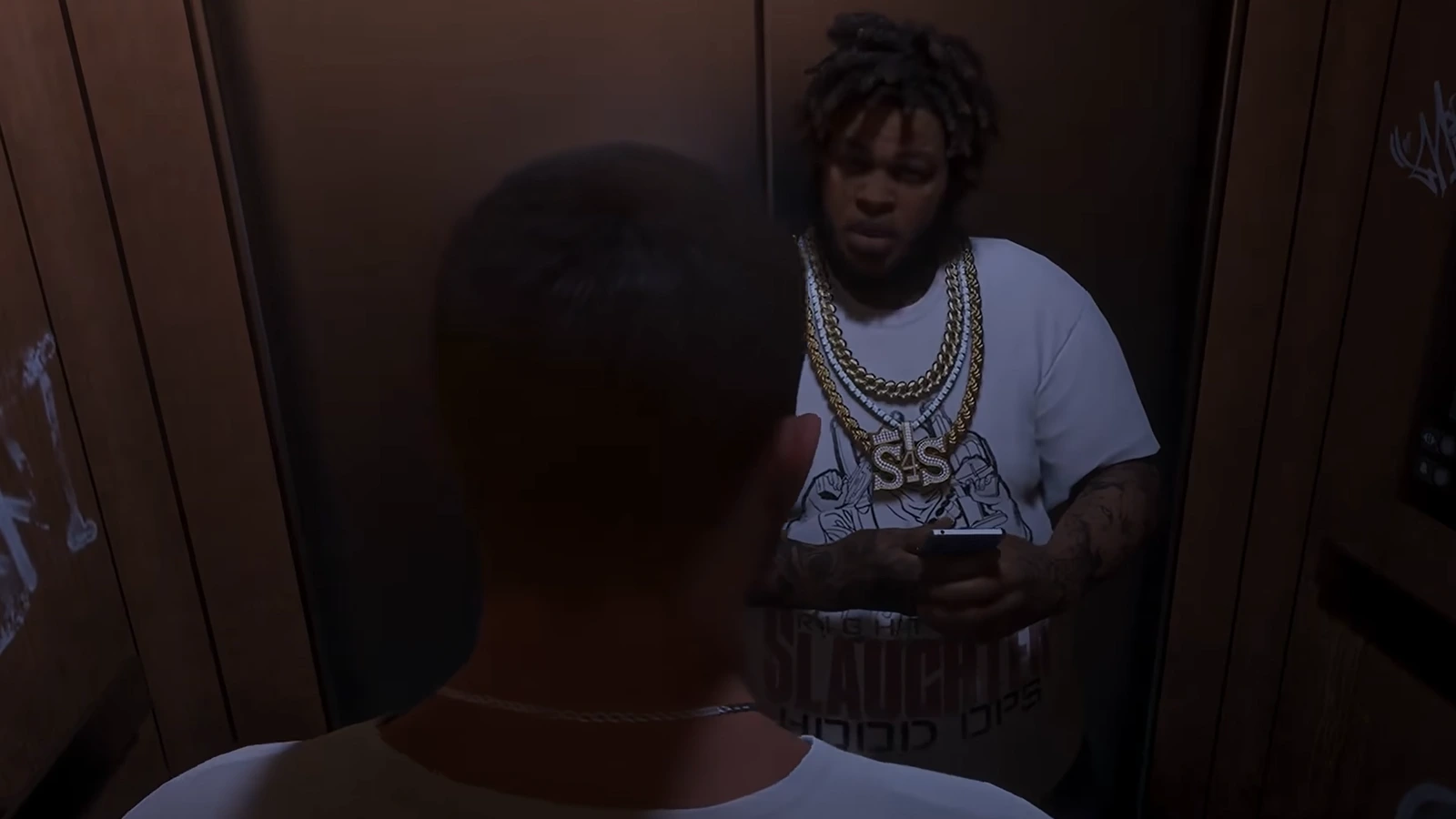
You don’t have to rush through the story, but I recommend completing a few early missions before you spend hours exploring. The opening chapters introduce important mechanics and unlock features that make your life easier.
Here are a few things I’d sort out early.
Change Your Controller Settings to Classic
This one’s personal, but I think a lot of longtime GTA V players will understand. The default controls in GTA 6 can take some getting used to, especially if you’ve spent years with the previous game’s layout.
I switched to the Classic control scheme almost immediately. I’ve been playing GTA V for 13 years, so my muscle memory isn’t going anywhere anytime soon.
You can change the control scheme in the Settings menu. Give Classic a try if you keep pressing the wrong buttons or struggle with the default sprint controls; I’ve seen other people’s Jason jumping around playfully while trying to outrun cops because they keep pressing the sprint button which is now the jump button. You can always switch back if you prefer the new layout.
Get Comfortable With Your Phone
Your phone is one of the most useful tools in GTA 6. It gives you access to apps and services that can save you time during your adventures.
Spend a little time exploring the available apps. WAiNK helps you check vehicle information, while BuckMe becomes important for managing your money once you unlock it later. You’ll also find useful contacts and other services as the story progresses.
You don’t need to memorize every app immediately. Just know where to find them when you need something.
Don’t Rush Through Chapter 1
I know it’s tempting to follow every mission marker and see what happens next. However, I’d recommend spending some time in Key Lento before you leave the area.
There are plenty of places to explore, side activities to try, and interesting details you might miss if you rush through the story. You can also familiarize yourself with the roads and find useful locations, such as gas stations and shops.
I’m still doing this myself. There’s something satisfying about taking a random drive and seeing what you stumble across.
Don’t Rely on Autosave
One thing I’d recommend early on is to never trust autosave completely – GTA 6 doesn’t save your progress after every little thing you do. Autosave seems to kick in after certain missions, so you could lose some progress if you assume the game has saved everything.
Get into the habit of making manual saves instead. You have 15 save slots, so use them! Save after important missions or whenever you reach a point you don’t want to repeat. I’d also keep a few separate save files rather than overwriting the same one every time. Better safe than sorry.
Look After Your Vehicle: Fuel and Engine Condition Matter
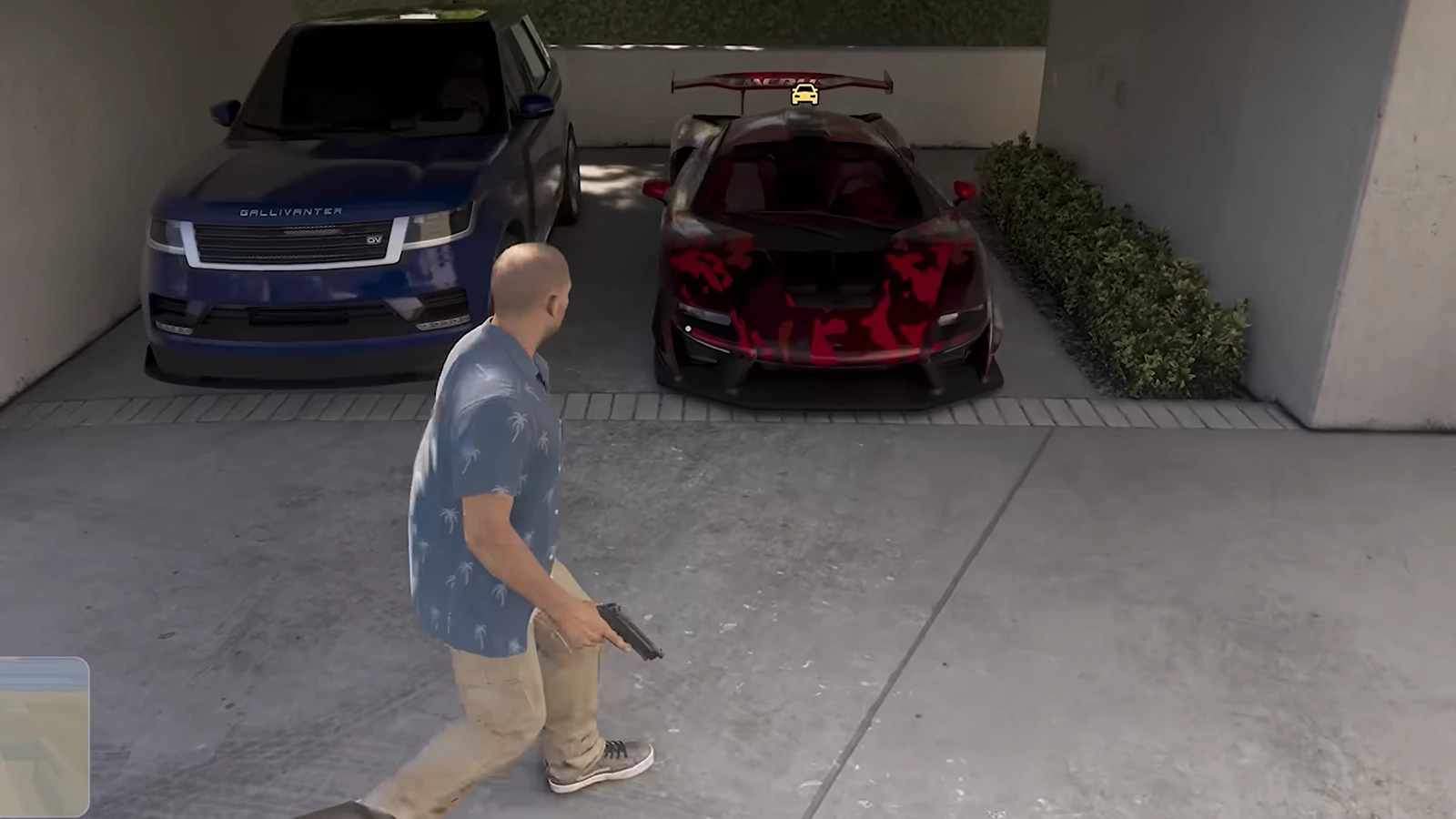
This is one of the biggest things I’d tell any beginner. Driving around Leonida is fun, but your vehicle needs a little attention in GTA 6. You can’t simply grab a car and forget about it for the rest of your adventure.
Keep an Eye on Your Fuel
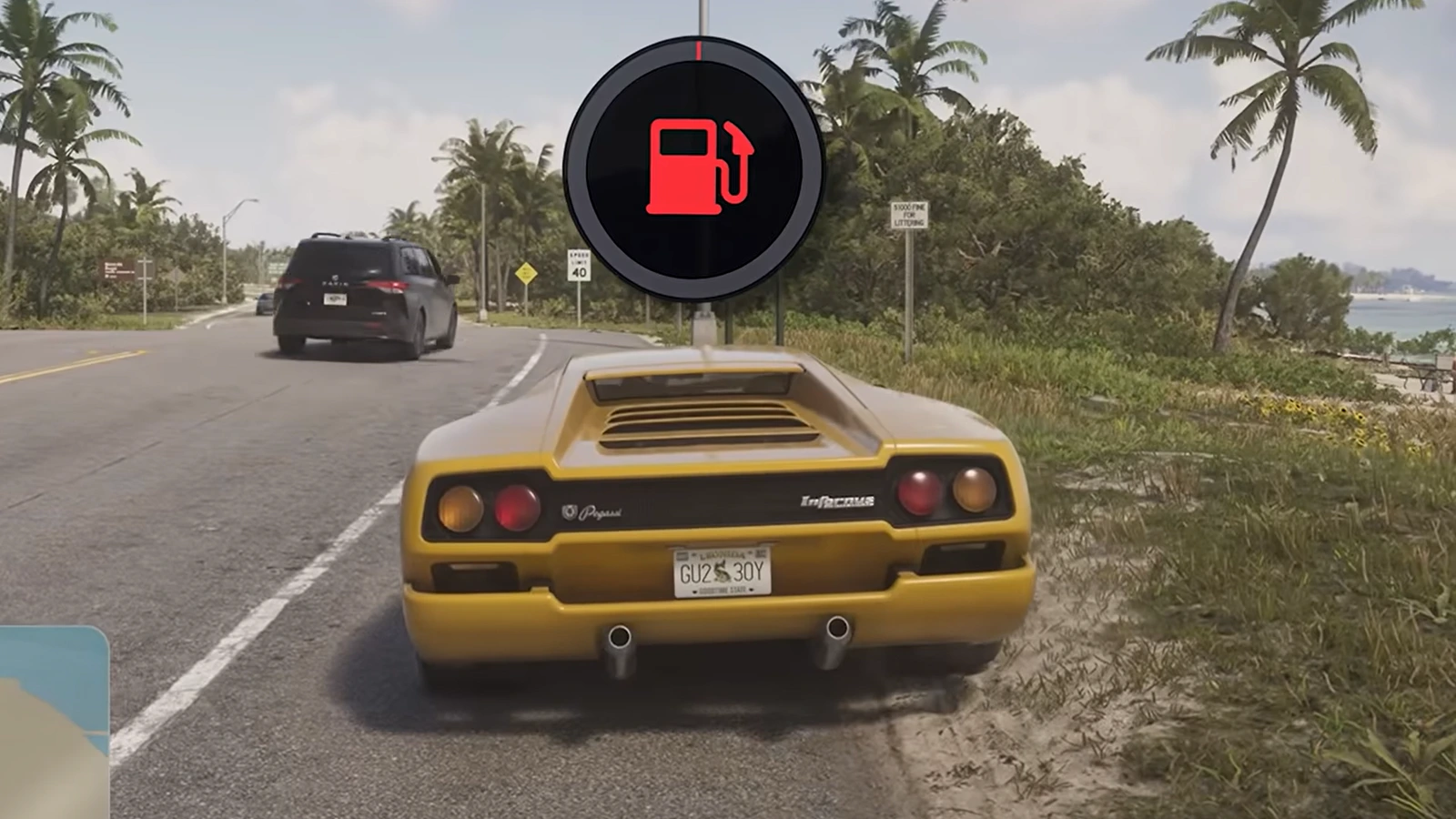
Fuel runs out as you drive, and you don’t want to get stranded somewhere far from a gas station. Refueling can also eat into your cash, especially if you let the tank get too low.
My personal tip is to refill whenever you’ve used roughly a quarter of your tank. You don’t have to wait until the fuel warning appears. Smaller refills can help you keep the cost manageable and ensure you have enough gas for your next trip.
You can check your vehicle’s status while driving by pressing Down on the D-pad. Keep an eye on the fuel indicator and stop at a gas station when necessary.
Watch Your Engine Condition
Fuel isn’t the only thing you need to monitor. Your vehicle also has an engine condition indicator, and it gets worse as you put more miles on the car or take damage.
The engine indicator uses different colors to show its condition:
- Green: Your engine is in good condition.
- Orange: Your engine has moderate damage.
- Red: Your engine has critical damage.
- Red with a cross: Your engine is destroyed.
I’d recommend visiting a gas station for a quick repair before the indicator turns orange. Gas stations can handle minor repairs, so you can take care of small problems during a refueling stop. For more serious engine damage, you’ll need a Pay ‘n’ Spray or Mod Shop.
It’s a small habit, but it can save you from dealing with a damaged car in the middle of nowhere.
Protect Your Money and Be Careful With Weapons
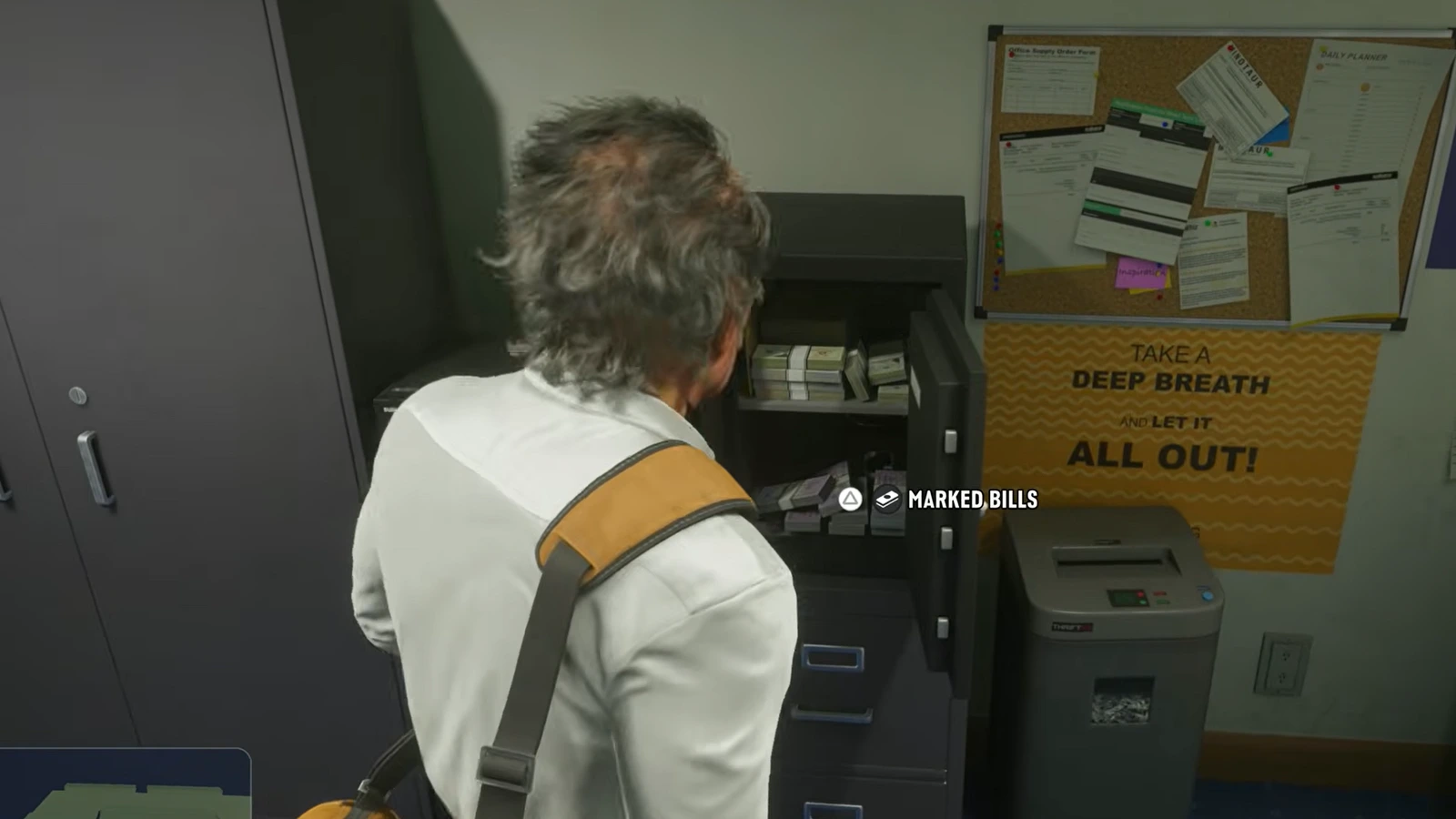
Money is important in GTA 6, especially during the early chapters. Unfortunately, it’s also pretty easy to lose if you get careless.
I’ve already learned this lesson the hard way, so here’s what I’d recommend.
Don’t Carry All Your Cash
If you get arrested or killed, you can lose the cash you’re carrying. That’s why I’d recommend keeping only the amount you need in your pocket.
Early in the game, Jason has a hidden cash stash under the loose floorboards in his bedroom. You can use it to store your money until you unlock a proper bank account.
Once the BuckMe app becomes available, start depositing your cash at ATMs. It’s a much safer place for your savings, and you won’t have to worry about losing everything after a bad encounter.
One important detail: don’t treat Jason’s bedroom stash as permanent storage. Move your money into your bank account when you get the chance.
Don’t Bring a Gun to the Airport
Here’s a mistake I won’t be repeating anytime soon: while exploring the map, I once tried to go through airport security while carrying a gun. I completely forgot it was still in my inventory, and the TSA wasn’t particularly happy about it.
I ended up getting arrested, and the cash I was carrying disappeared too. Not exactly the airport experience I had in mind.
So, take it from me: don’t carry a gun when you want to enter the airport. Check your weapons before you head inside, and make sure you leave anything that could get you into trouble behind.
It’s an easy mistake to avoid, and your wallet will thank you.
Learn the Essential Mechanics in GTA 6
Once you’ve sorted out your settings and basic habits, it’s worth learning a few mechanics that can make exploration and missions easier.
Use Focus Mode to Find Useful Items
Focus Mode is one of the most useful mechanics in GTA 6. It can help you spot enemies and interactable objects that might otherwise blend into the environment.
You can activate it by clicking both analog sticks. During combat, it briefly slows things down and helps you line up your shots. Outside combat, it can highlight useful objects, cash, and clues.
I’d recommend using it whenever you enter an unfamiliar building or search an area. You might find something valuable that you would have missed otherwise.
Pay Attention to the Wanted System
Getting into trouble with the police is part of the GTA experience, but the wanted system has some important details worth learning.
Don’t assume you’re safe just because the police can no longer see you. You need to break their line of sight and pay attention to what they might have identified, including your vehicle and appearance.
Changing your clothes and appearance or switching vehicles can help when the police are looking for you. Try to think about your escape before you cause trouble, especially if you’re carrying valuable loot.
Keep Your Weapons Organized
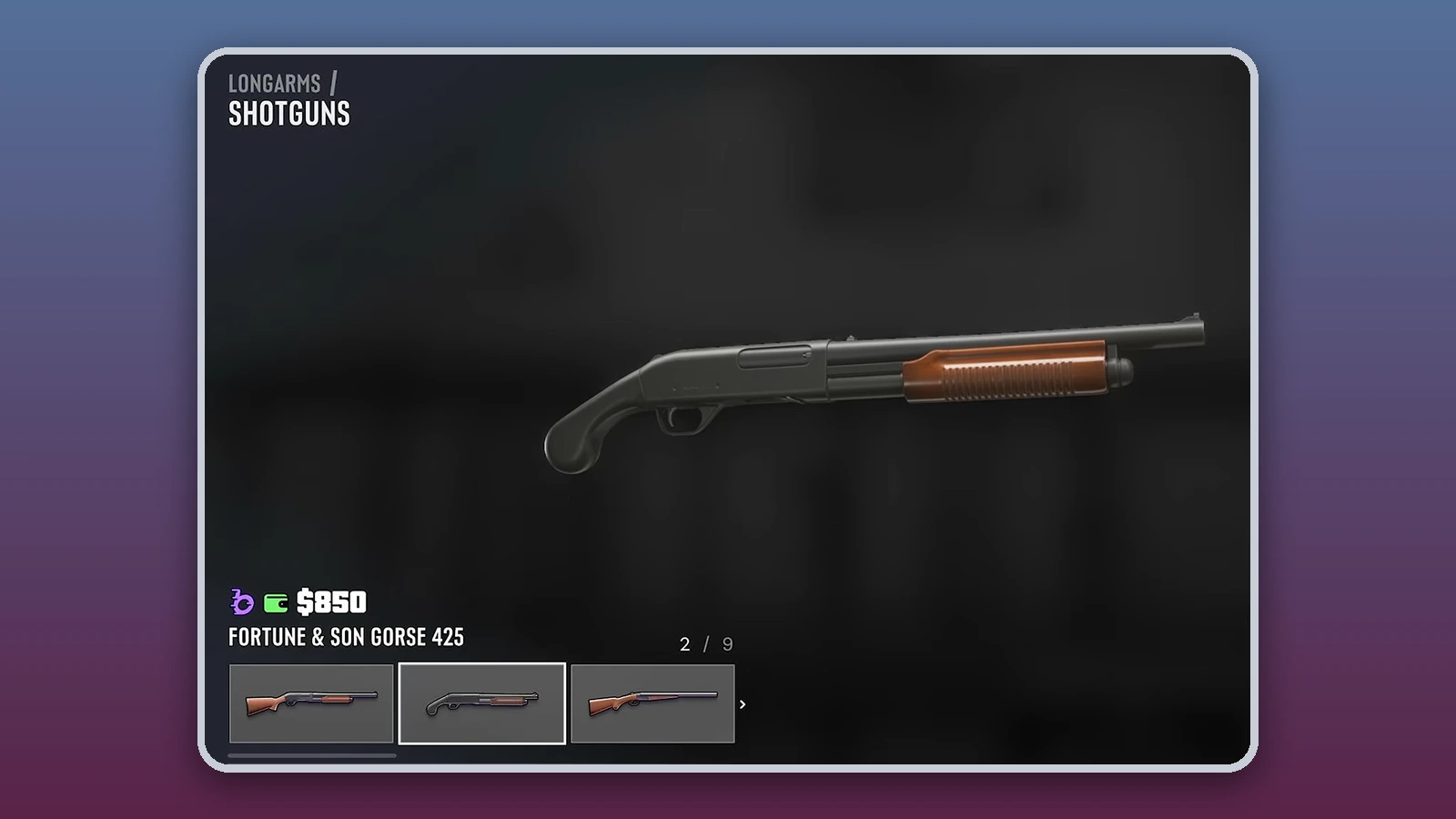
You don’t need to carry every weapon you own all the time. Your personal vehicle can help you manage your equipment, so take advantage of its storage when available.
It’s also worth remembering that weapons you pick up during encounters aren’t necessarily treated the same as weapons you’ve purchased. If you find something useful, check your inventory and vehicle storage before you leave it behind.
A little preparation can save you a frustrating trip back to a gun store.
Explore Leonida at Your Own Pace
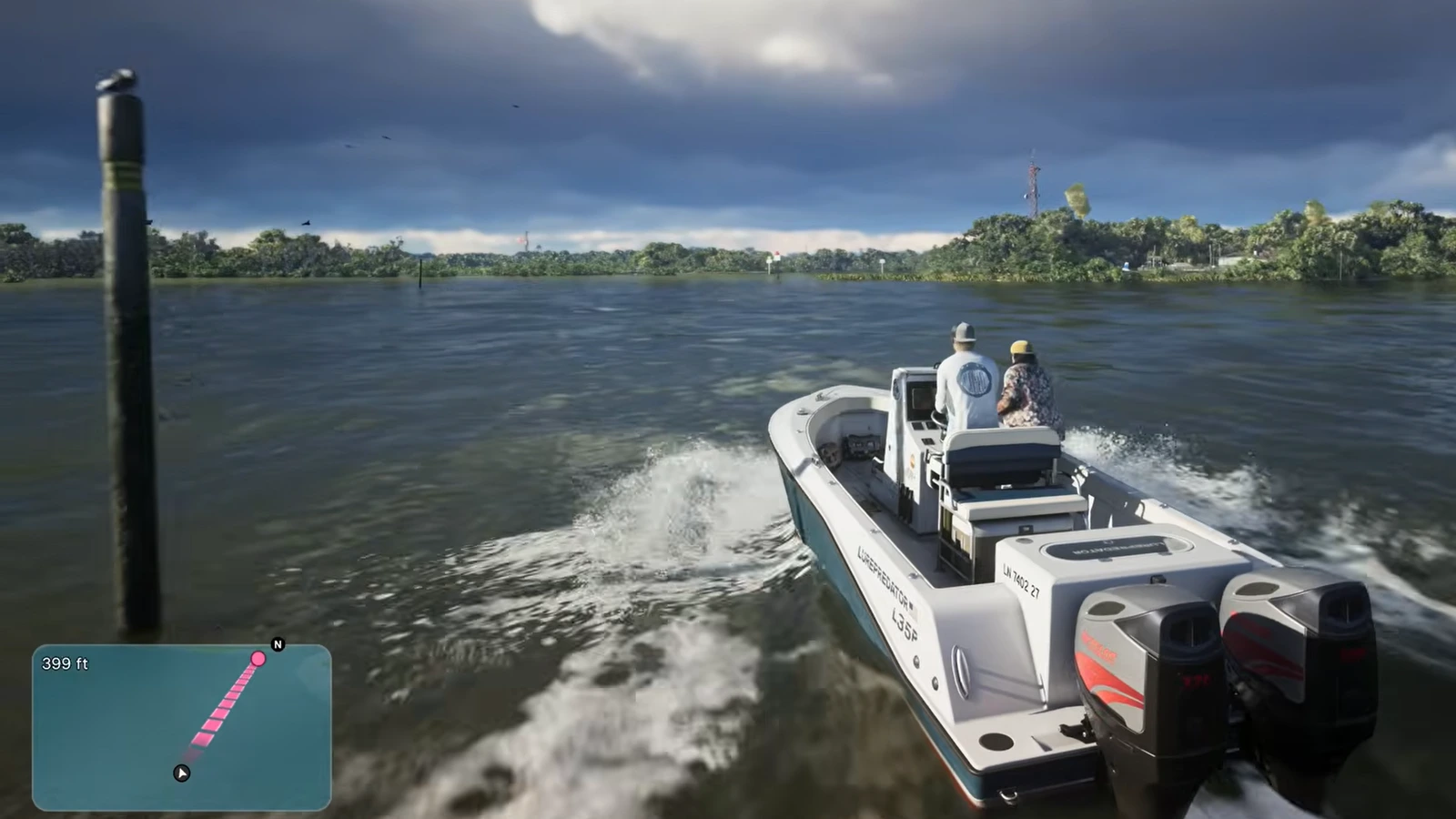
One of the best things about GTA 6 is how much there is to see outside the main story. You don’t have to spend every minute completing missions. Sometimes, the best way to enjoy the game is to take a break and see what’s happening around you.
Here are a few things I’d recommend trying.
Look Beyond the Main Mission Markers
Don’t treat the map as a checklist that you have to complete in order. Take a few random turns, visit unfamiliar neighborhoods, and see what you can find.
You might discover interesting locations or stumble across activities that you wouldn’t encounter during the main story. Keep an eye out for shops and other useful places, too.
Try Side Activities
Side activities are a good way to take a break from the main campaign. You can spend time fishing, visit different locations, or try some of the activities available around Leonida.
I’ve personally spent hours playing billiards at the Rusty Anchor and a few other spots around the map. It’s easy to lose track of time when you’re just enjoying these little distractions. Some activities can also help improve your characters’ stats, so they’re worth checking out even when you have missions waiting.
Get Familiar With the Map
Leonida is a big place, and learning the roads will make exploration much easier. Pay attention to useful locations such as gas stations, shops, and repair services.
I also recommend remembering a few routes between places you visit often. You’ll appreciate that knowledge when you need to make a quick getaway or reach a mission location without getting lost.
Build a Morning Routine for Jason
Here’s something I’ve been doing that has absolutely nothing to do with completing missions, but I love it. I’ve established a whole morning routine for Jason in Chapter 1. And yes, I’m serious.
Every in-game morning, I wake him up, make coffee, and take it to his sea-facing balcony, where his home gym is. Then I turn on the radio, light a cigarette, and let him enjoy his coffee while smoking.
Once he’s done, it’s workout time. I grab a Raine water from the ice bucket near the grill and let Jason dance to the radio between exercises while he recovers his stamina. After the workout, I clean up the empty coffee mug and bottle, feed Dolores, grab a protein bar or shake, and send him off for a shower.
The final steps? Get dressed, take some spending money from the stash, and head out for a mission. I usually complete just one mission per in-game day, too. It’s a ridiculously slow way to play, but I love how much personality these little routines add to the experience.
GTA 6 Beginner Mistakes to Avoid
To wrap up the practical advice, here are a few mistakes I’d try to avoid during your first hours in GTA 6:
- Rushing through the opening chapter: Give yourself time to explore Key Lento and learn the mechanics.
- Ignoring your fuel gauge: Keep an eye on the tank and refill before it gets too low.
- Forgetting about engine damage: Check the engine indicator and repair minor damage before it gets worse.
- Carrying too much cash: Store your money in Jason’s stash early on, then use BuckMe once you unlock it.
- Taking weapons into the airport: Check your inventory before entering airport security.
- Sticking with unfamiliar controls: Try the Classic scheme if you’re more comfortable with the GTA V layout.
- Ignoring Focus Mode: Use it to spot useful objects and clues during exploration.
Most of these mistakes are easy to avoid once you know what to look out for. I learned a couple of them the hard way, so hopefully you won’t have to.
My Final Verdict on GTA 6 Beginners Guide
My biggest piece of advice for anyone starting GTA 6 is simple: take your time. There’s a lot to learn, and the game becomes much easier once you understand its mechanics and get comfortable with the controls.
Keep your vehicle in good condition, protect your cash, and don’t forget to check your inventory before entering places with security. Most importantly, enjoy exploring Leonida. I’m still in Chapter 1 after several days, and I honestly don’t feel like rushing anywhere.
If you haven’t started your adventure yet, find GTA 6 on Eneba and see what Leonida has waiting for you.
FAQs
Complete a few early story missions to learn the basics and unlock useful features. After that, spend some time exploring Key Lento, check your settings, and get familiar with your phone and vehicle systems.
Not particularly, but some mechanics take time to learn. Vehicle maintenance, money management, and the updated controls can catch new players off guard. Take your time with the tutorials and experiment with the settings.
Yes. You can switch between Jason and Lucia as you progress through the story. Each character has their own activities and abilities, so get familiar with both as the game opens up.
You can earn money through story missions and other activities. Just remember to store your cash in Jason’s bedroom stash before you unlock BuckMe, then use ATMs to deposit your money once banking becomes available.
Avoid carrying too much cash, ignoring your vehicle’s fuel and engine condition, and taking weapons into airport security. It’s also worth changing your controller settings if the default layout feels unfamiliar.